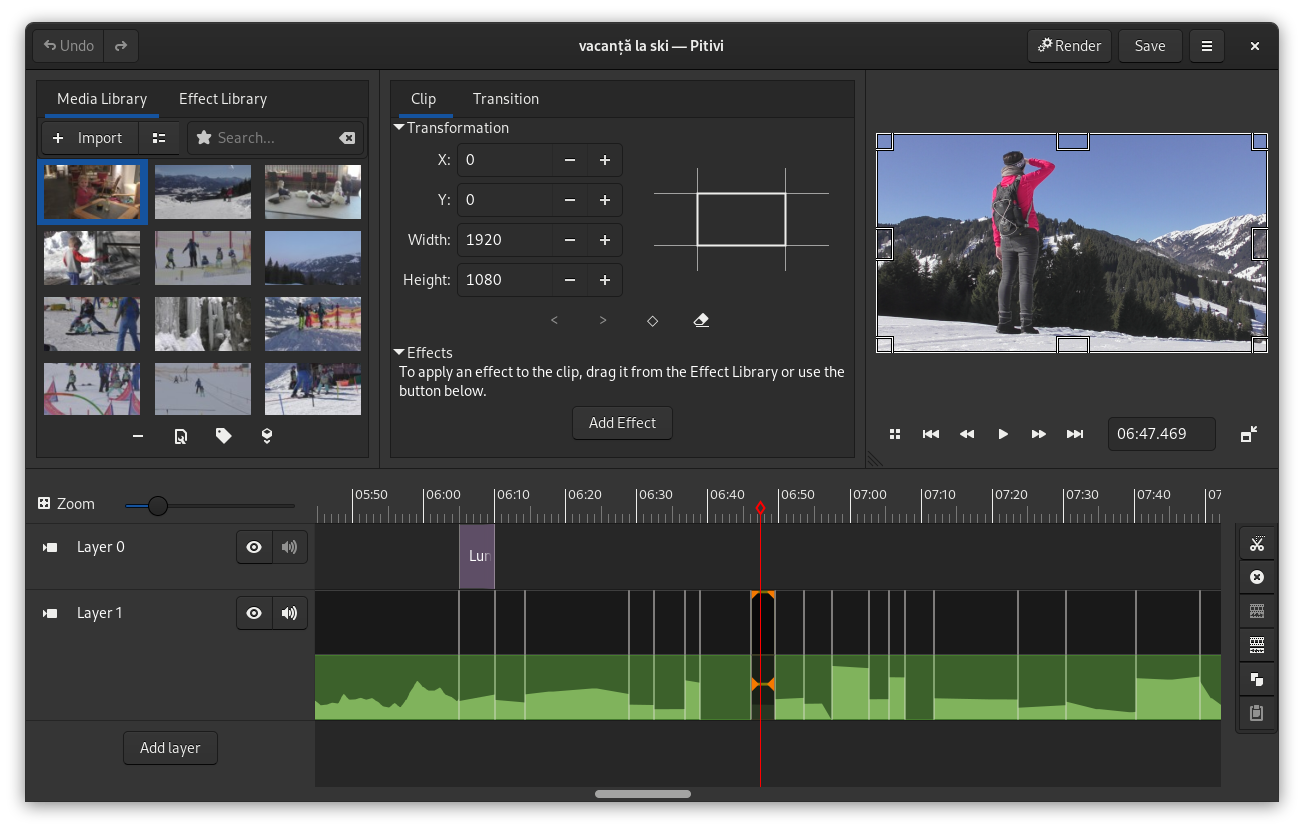
Want to see some videos made with PiTiVi? See the showcase.
Looking for a walk through time? See the screenshots archive for an adventure through the past...
This is where you set the behavior of the application. We try to keep the amount of preferences to a minimum, because you have better things to do and we try to design "the right way" instead of adding options for everything.
This where you set the global settings in your project (so that the previewer widget knows the proper resolution and aspect ratio to use, among other things). What you set in this dialog will be used for the rendering dialog as default values. You can create your own presets (like those shown in this screenshot) and use esoteric custom framerates.
We don’t ship presets by default, but probably will one day (we need someone to implement that, patches welcome).
Here you can choose the container format and the video/audio codecs to be used for rendering. The resolution and framerate are based on the global project settings, but you can override them and say, for example, “render my 720p24 video at 12 frames per second and 25% of its resolution” for a quick preview/test.